How to install a Nest Learning Thermostat (3rd gen)

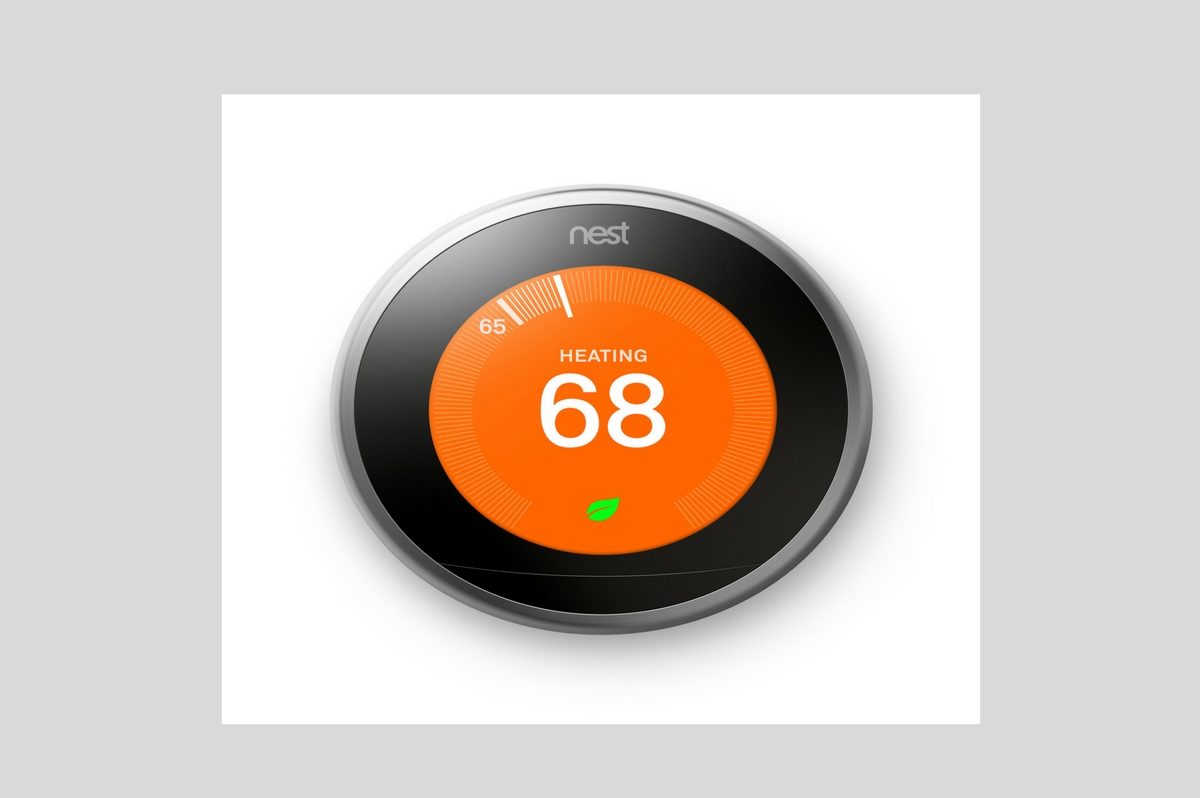
Nest Learning Thermostat (3rd gen) displaying temperature setting of 68°F with heating indicator, featured in a guide on installation tips.

How to install a Nest Learning Thermostat (3rd gen)

Installing the 3rd generation Nest Thermostat yourself. Below is a video that shows how to remove the old thermostat, and properly install the new Nest. If is an easy installation process, it took me about 20 minutes. Not many tools required for this installation.

Tip: Take a picture of the current thermostat’s wiring for reference later on. Make sure that you see clearly all of the wires, and can read the labels on your current thermostat.

After the installation is complete you need to download the Nest app for your Apple or Android phone, create an account and you setup the new Nest thermostat.

Good luck, and enjoy the new purchase.
Explore More Home Inspection Blog Articles

Oakland County Home Inspection

Oakland County Home Inspection

Ensure a successful home buying experience in Oakland County with expert inspection best practices. Learn essential tips to safeguard your…

Mold Testing for Commercial Properties: Procedures & Standards

Mold Testing for Commercial Properties: Procedures & Standards

When people think about mold, they often associate it with residential properties. But mold can be just as serious in…

Common Problems Revealed Through Thermal Imaging Inspections

Common Problems Revealed Through Thermal Imaging Inspections

A couple in North Carolina bought what they thought was a perfect new home. Everything looked flawless on the surface…